West Boldon Primary School Logo

West Boldon Primary School

  • Our School
    • Vision and Ethos
    • History of Our School
    • Meet our Staff
    • Meet our Governors
    • Our Classes
      • ARC 1
      • ARC 2
      • Class 3
      • Class 4
      • Class 5
      • Class 6
      • Class 7
      • Class 8
      • Class 9
      • Class 10
      • Class 11
      • Class 12
      • Class 13
      • Class 14
      • Class Page Archives
    • SEND Provision
      • SEND
      • SEND Proposal
      • Additional Resource Centre (ARC)
    • School Day
    • Our School Rules
    • Curriculum
    • Smart School Council and Pupil Voice
    • OPAL
    • SMSC
    • Rainbow Flag Award
    • Virtual Tour
    • Events Calendar
  • Key Information
    • Admissions
    • Results
    • Attendance
    • Ofsted
    • Policies
    • Performance Tables
    • Pupil Premium
    • School Development Plan
    • Sports Premium Strategy
    • Music Development Plan
    • RSE
    • Financial Benchmarking
    • Vacancies
    • Contact us
  • Parents and Carers
    • Parent Handbook
    • Holiday and Term dates
    • News & Events
    • School Meals
    • Reception New Starter Information
    • School Uniform
    • Parent View
    • After School Clubs
    • E-safety
  • Learning Links
    • TT Rockstars
    • Numbots
    • DreamBox
    • Reading Plus
    • Lego SPIKE
    • Oxford Owl
    • ClassDojo
    • Hour of Code
    • Kahoot
    • Century
    • Ten Town
    • Scratch
    • Seesaw
    • EdShed
West Boldon Primary School Logo
  • Our School
    • Vision and Ethos
    • History of Our School
    • Meet our Staff
    • Meet our Governors
    • Our Classes
      • ARC 1
      • ARC 2
      • Class 3
      • Class 4
      • Class 5
      • Class 6
      • Class 7
      • Class 8
      • Class 9
      • Class 10
      • Class 11
      • Class 12
      • Class 13
      • Class 14
      • Class Page Archives
    • SEND Provision
      • SEND
      • SEND Proposal
      • Additional Resource Centre (ARC)
    • School Day
    • Our School Rules
    • Curriculum
    • Smart School Council and Pupil Voice
    • OPAL
    • SMSC
    • Rainbow Flag Award
    • Virtual Tour
    • Events Calendar
  • Key Information
    • Admissions
    • Results
    • Attendance
    • Ofsted
    • Policies
    • Performance Tables
    • Pupil Premium
    • School Development Plan
    • Sports Premium Strategy
    • Music Development Plan
    • RSE
    • Financial Benchmarking
    • Vacancies
    • Contact us
  • Parents and Carers
    • Parent Handbook
    • Holiday and Term dates
    • News & Events
    • School Meals
    • Reception New Starter Information
    • School Uniform
    • Parent View
    • After School Clubs
    • E-safety
  • Learning Links
    • TT Rockstars
    • Numbots
    • DreamBox
    • Reading Plus
    • Lego SPIKE
    • Oxford Owl
    • ClassDojo
    • Hour of Code
    • Kahoot
    • Century
    • Ten Town
    • Scratch
    • Seesaw
    • EdShed
West Boldon Primary School Logo
  • Our School
    • Vision and Ethos
    • History of Our School
    • Meet our Staff
    • Meet our Governors
    • Our Classes
      • ARC 1
      • ARC 2
      • Class 3
      • Class 4
      • Class 5
      • Class 6
      • Class 7
      • Class 8
      • Class 9
      • Class 10
      • Class 11
      • Class 12
      • Class 13
      • Class 14
      • Class Page Archives
    • SEND Provision
      • SEND
      • SEND Proposal
      • Additional Resource Centre (ARC)
    • School Day
    • Our School Rules
    • Curriculum
    • Smart School Council and Pupil Voice
    • OPAL
    • SMSC
    • Rainbow Flag Award
    • Virtual Tour
    • Events Calendar
  • Key Information
    • Admissions
    • Results
    • Attendance
    • Ofsted
    • Policies
    • Performance Tables
    • Pupil Premium
    • School Development Plan
    • Sports Premium Strategy
    • Music Development Plan
    • RSE
    • Financial Benchmarking
    • Vacancies
    • Contact us
  • Parents and Carers
    • Parent Handbook
    • Holiday and Term dates
    • News & Events
    • School Meals
    • Reception New Starter Information
    • School Uniform
    • Parent View
    • After School Clubs
    • E-safety
  • Learning Links
    • TT Rockstars
    • Numbots
    • DreamBox
    • Reading Plus
    • Lego SPIKE
    • Oxford Owl
    • ClassDojo
    • Hour of Code
    • Kahoot
    • Century
    • Ten Town
    • Scratch
    • Seesaw
    • EdShed
Category

Y6 ICT

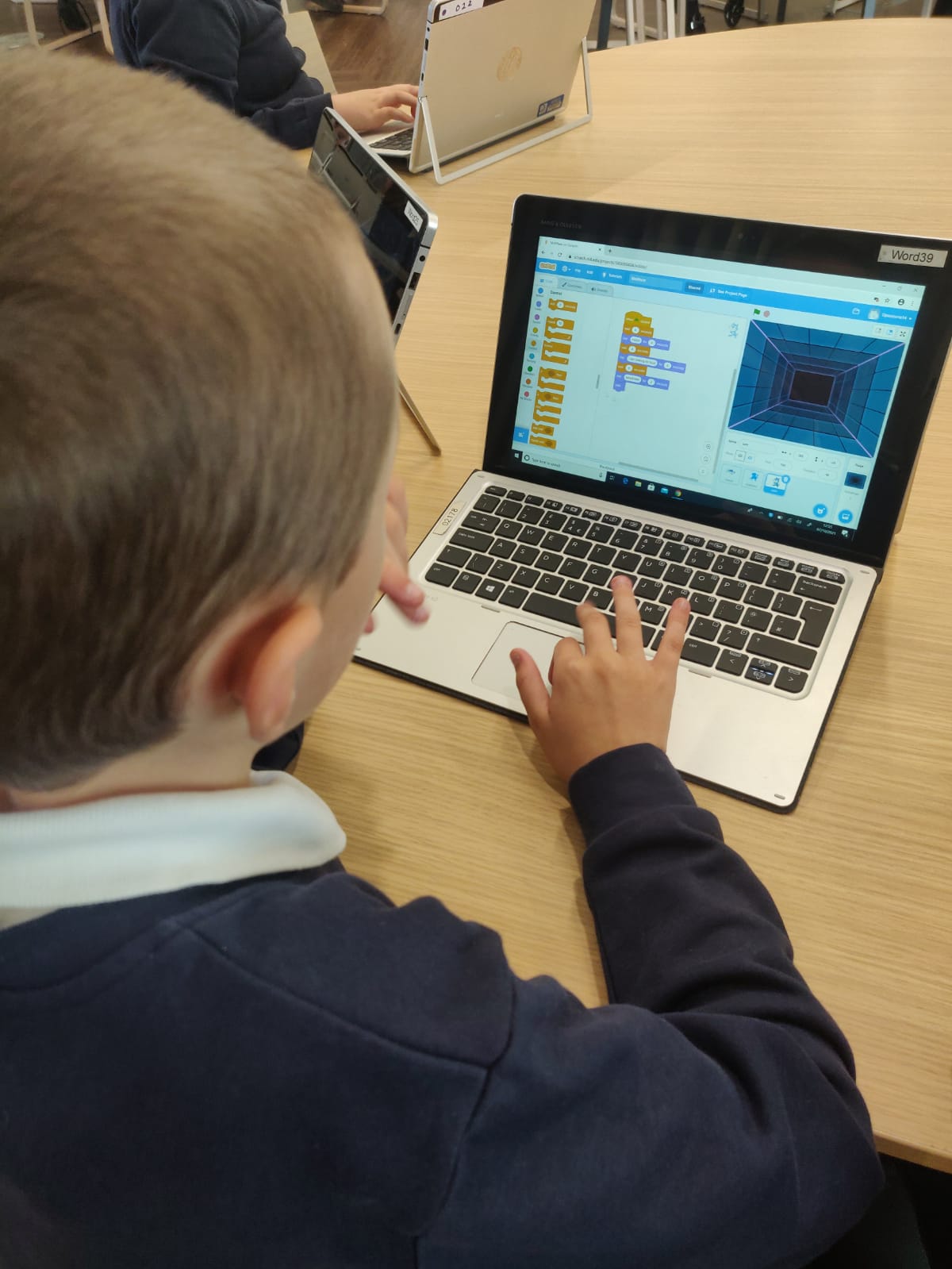
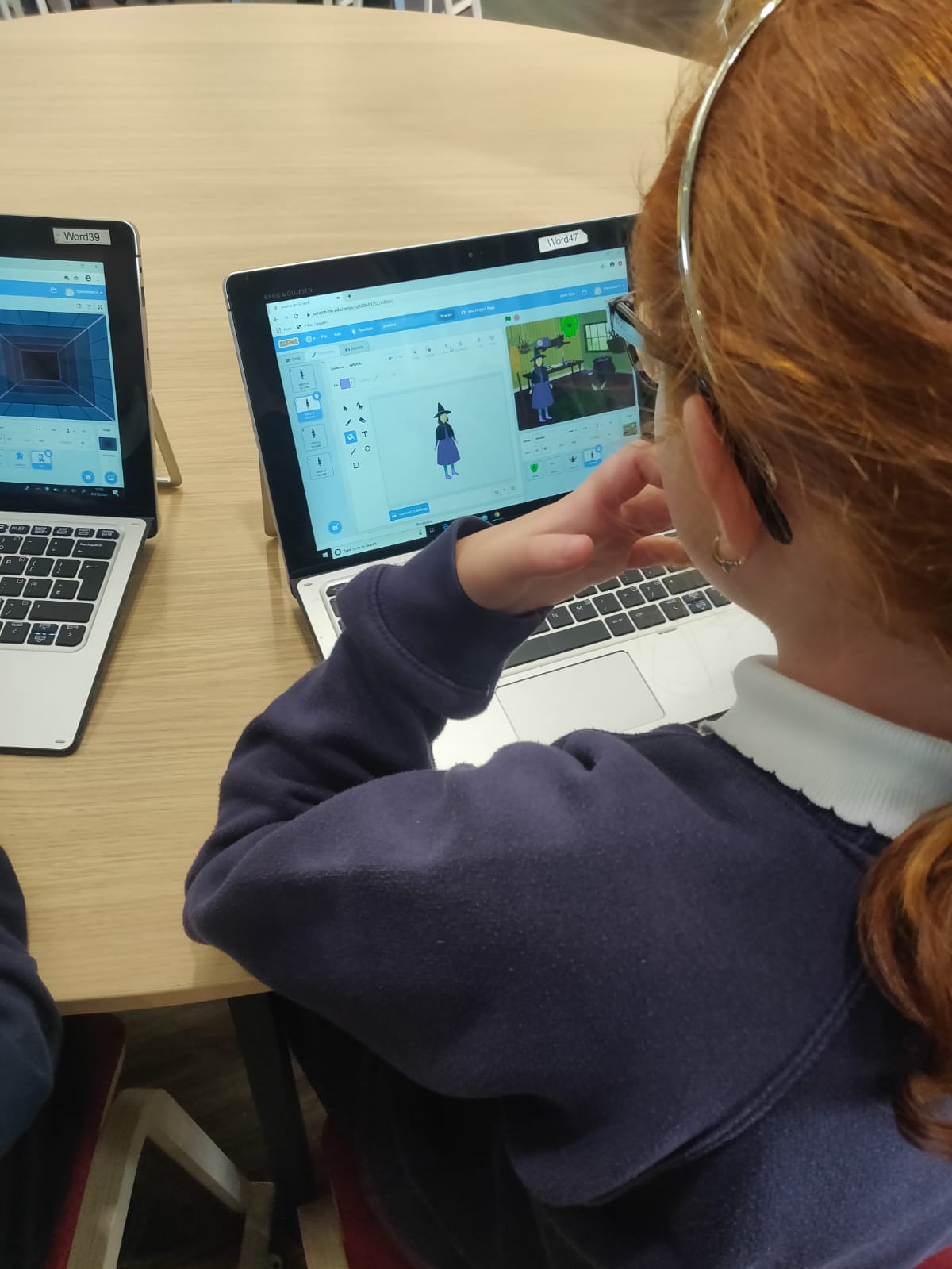
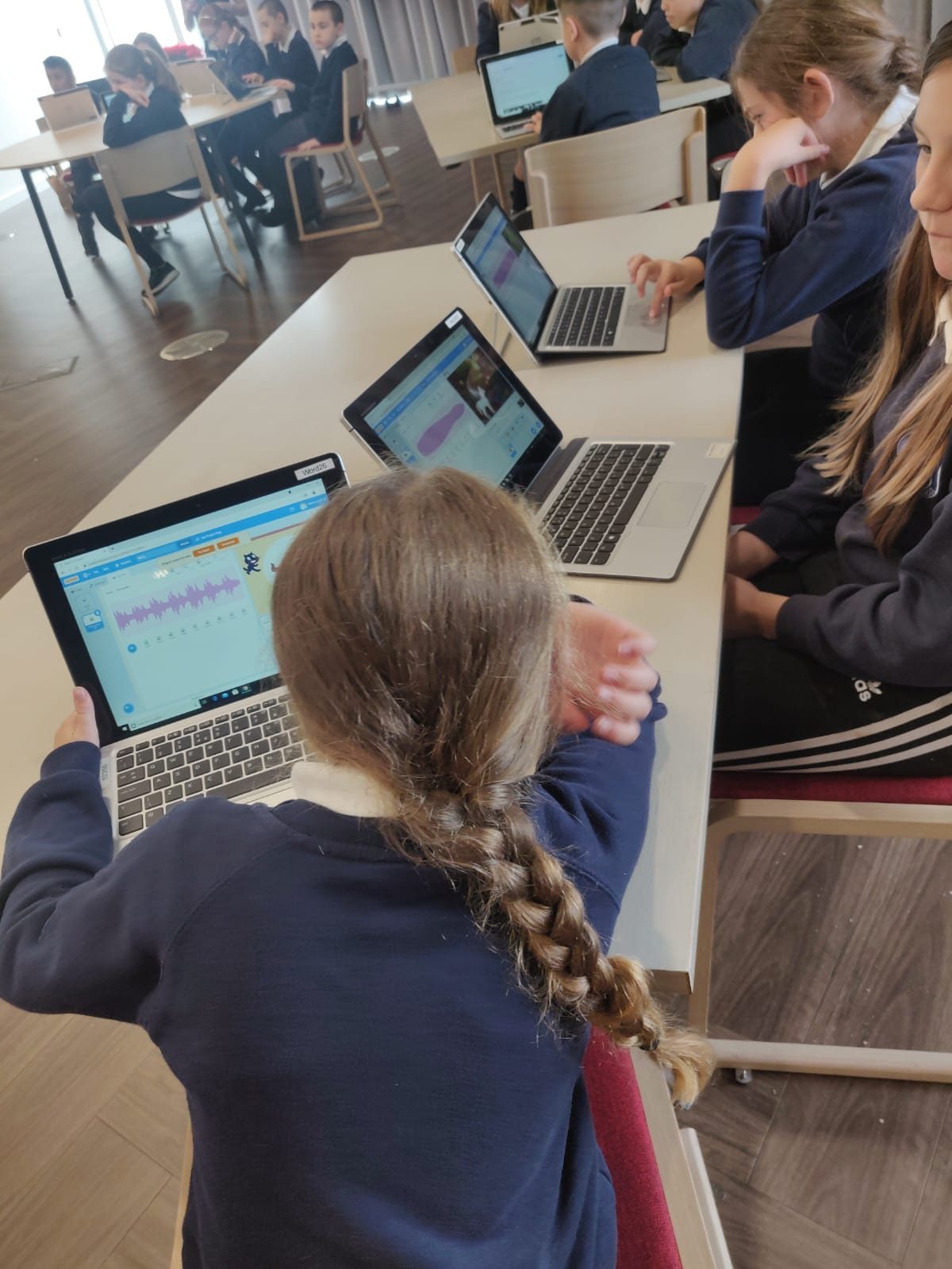
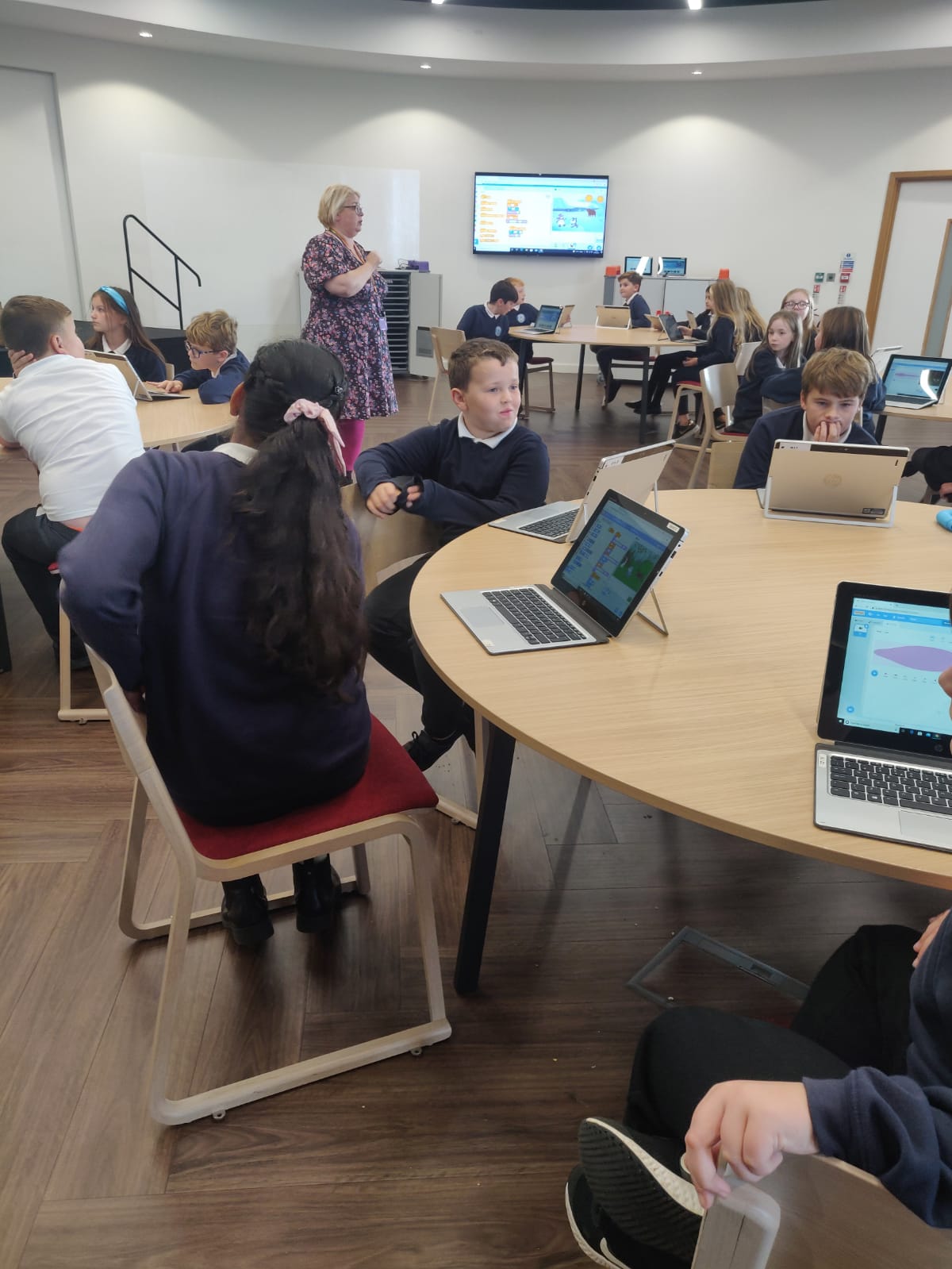
Year 6 Trip to Open Zone 2023

16th January 2024Miss K. Wilkinson

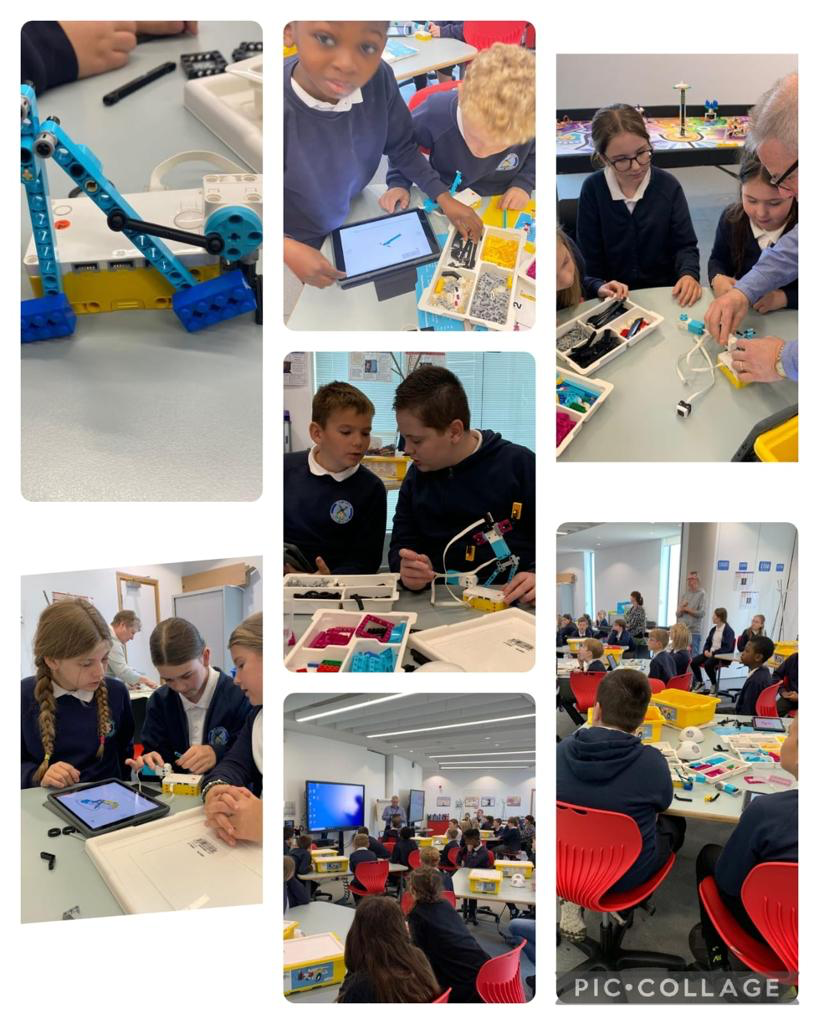
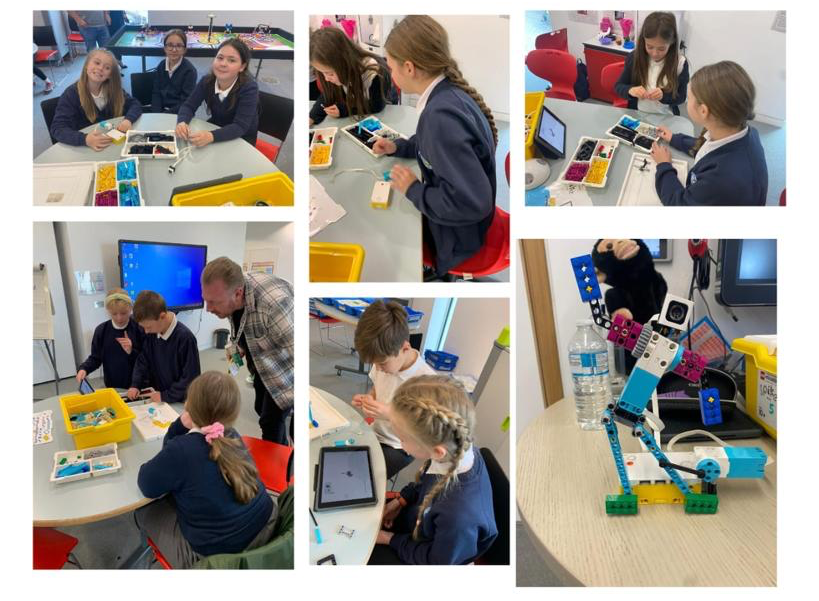
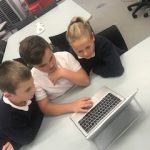
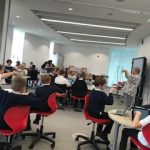
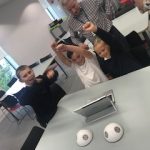
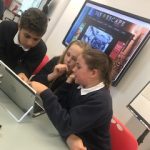
Children visited the Word and took part in a workshop to:

  • Build programmable models following instructions
  • Create programmes to control models.
  • Write a program that includes count-controlled loops
  • Connect more than one output device
  • Explain that a loop can stop when a condition is met, eg number of times, when a button is pressed, or do until … etc
  • Predict the functions
  • Sequence a series of commands
  • Use conditionals to trigger their programming
  • Use sensors to initiate or stop programming
  • Test and debug the project
2023-2024,All News,Essential Learning Experiences (ELEs),Y6 ICT,Year 6 Article 28- You have the right to education. Article 29- You have the right to education that helps to develop your personality and abilities as much as possible and to respect the rights of others and respect the environment. Article 31- You have the right to play and relax by doing things such as sports music or drama.

Safer Internet Day 2022

11th February 2022Miss K. Wilkinson
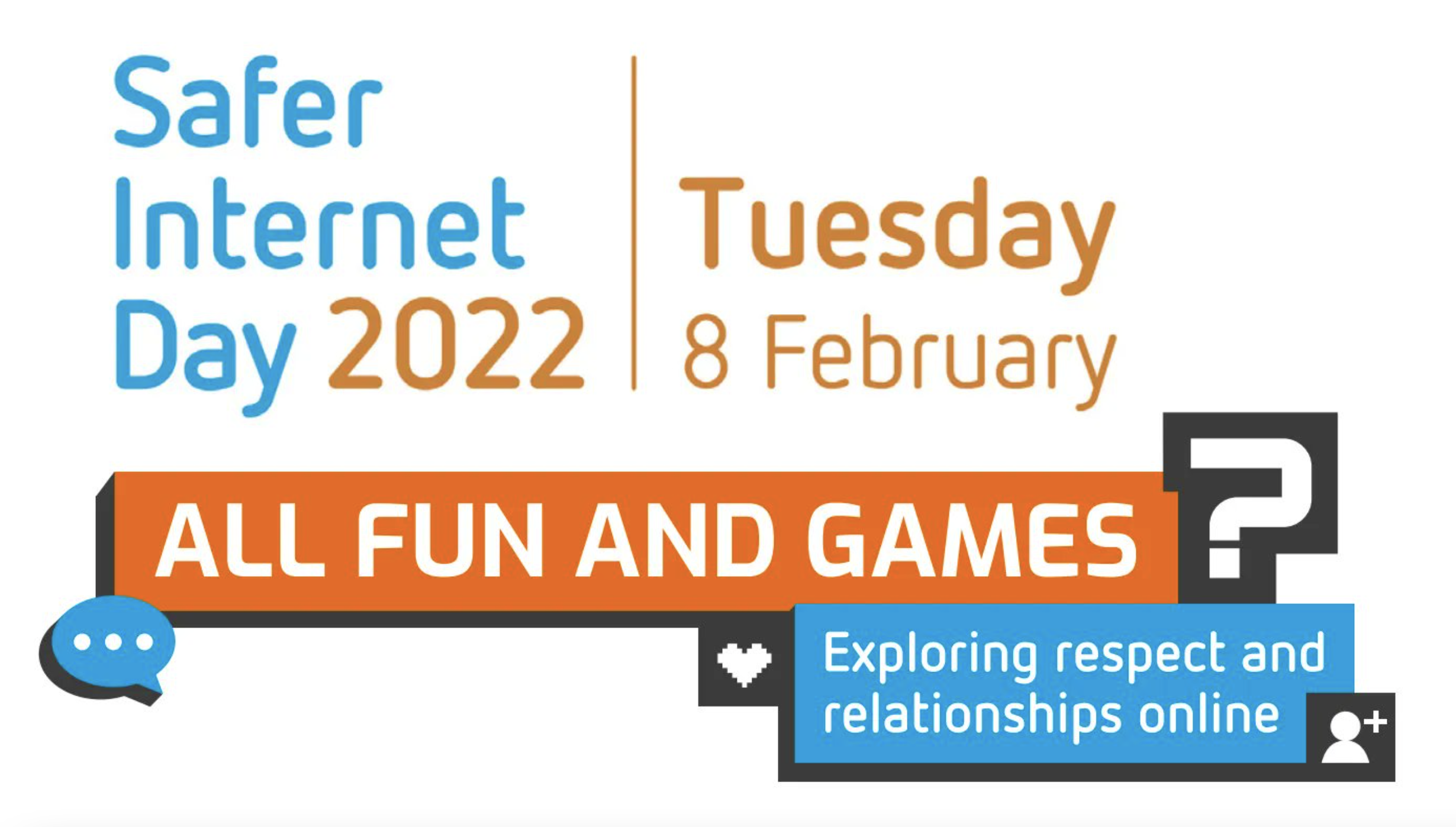
Safer Internet Day logo

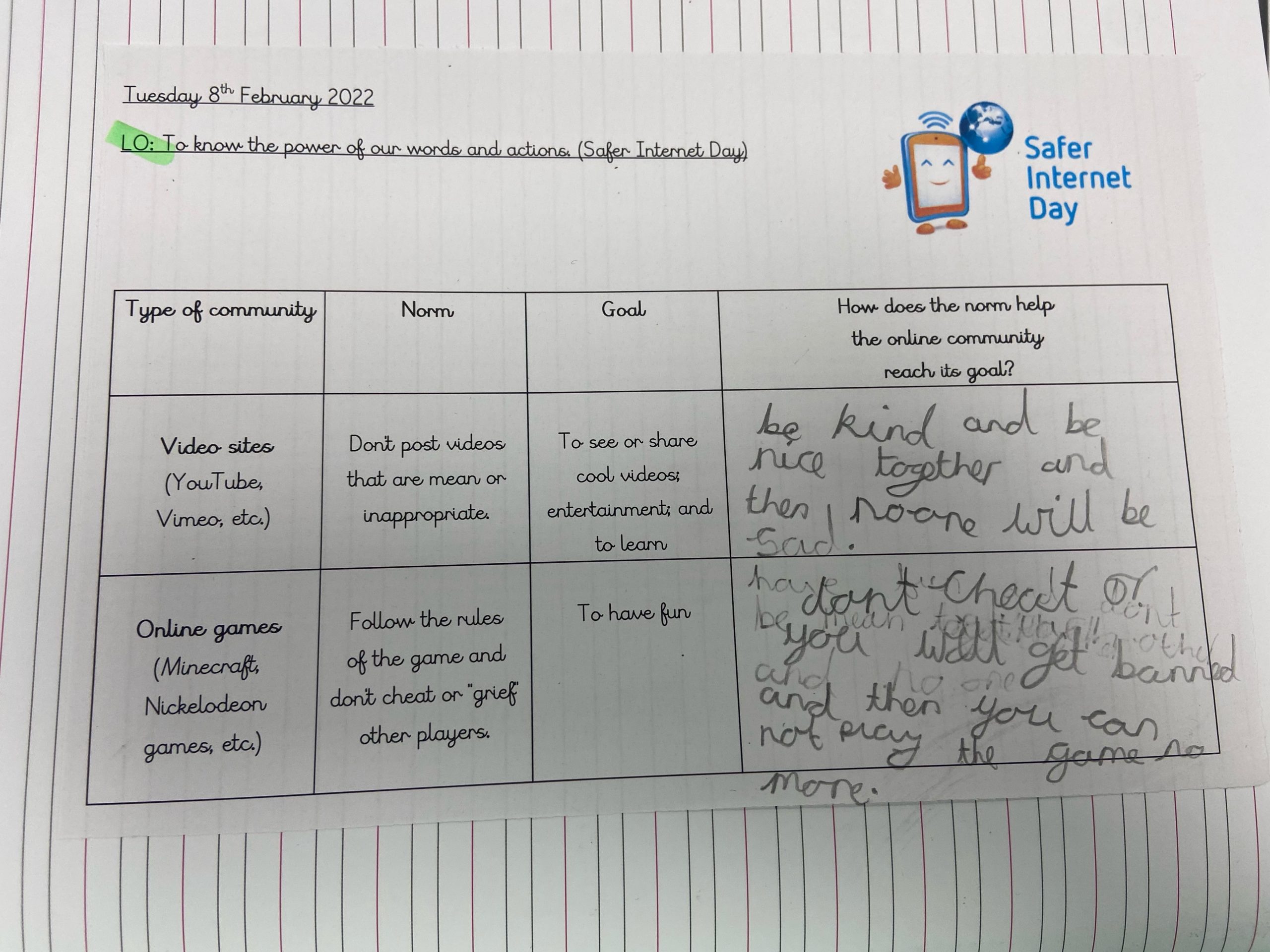
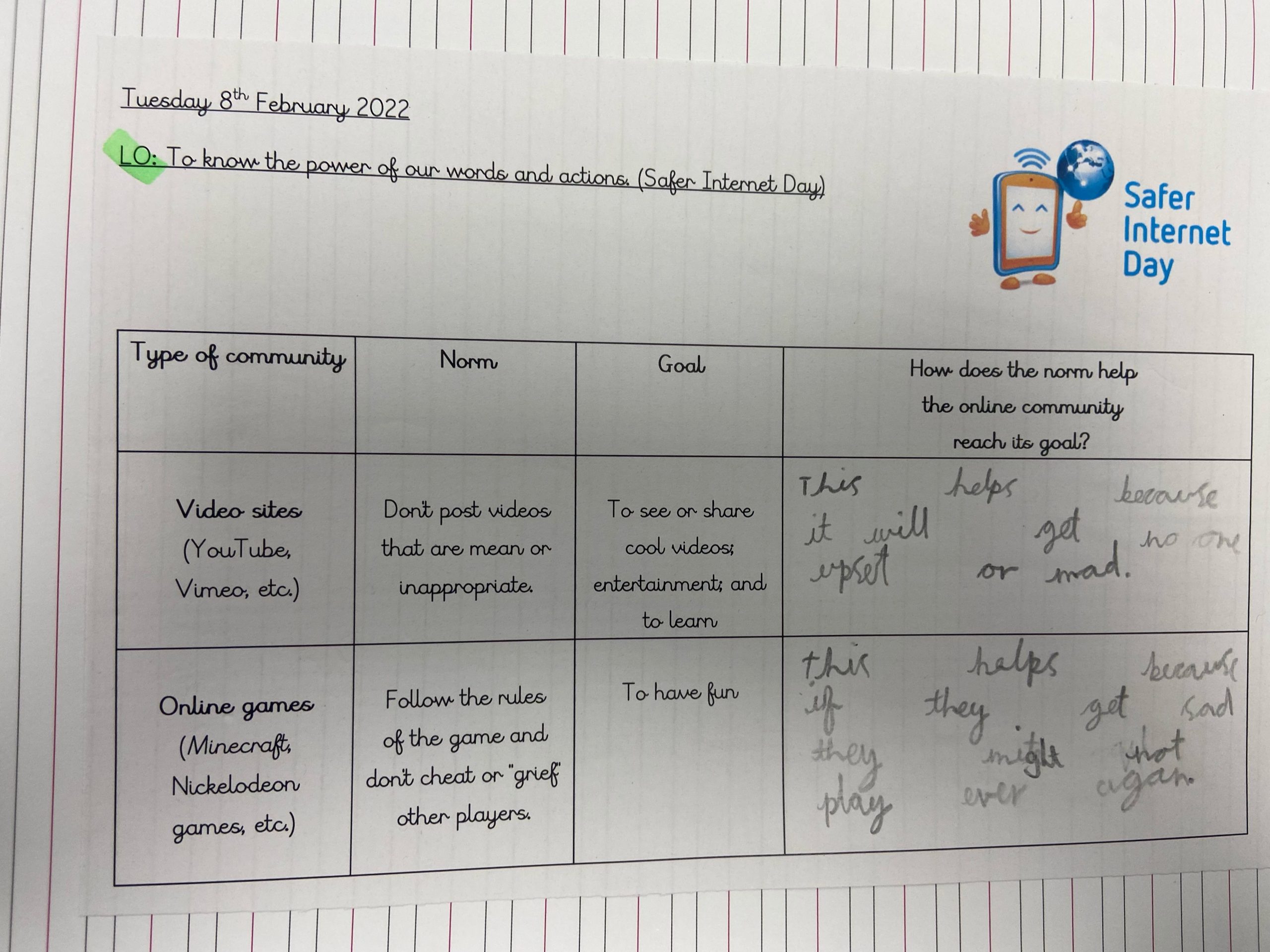
On Tuesday 8th February 2022, children in West Boldon Primary recognised Safer Internet Day.

In their PSHE lessons, they discussed this year’s theme: ‘All fun and games? Exploring respect and relationships online’. Here are some thing they have been doing to recognise and learn about this important day.

 

Year 1

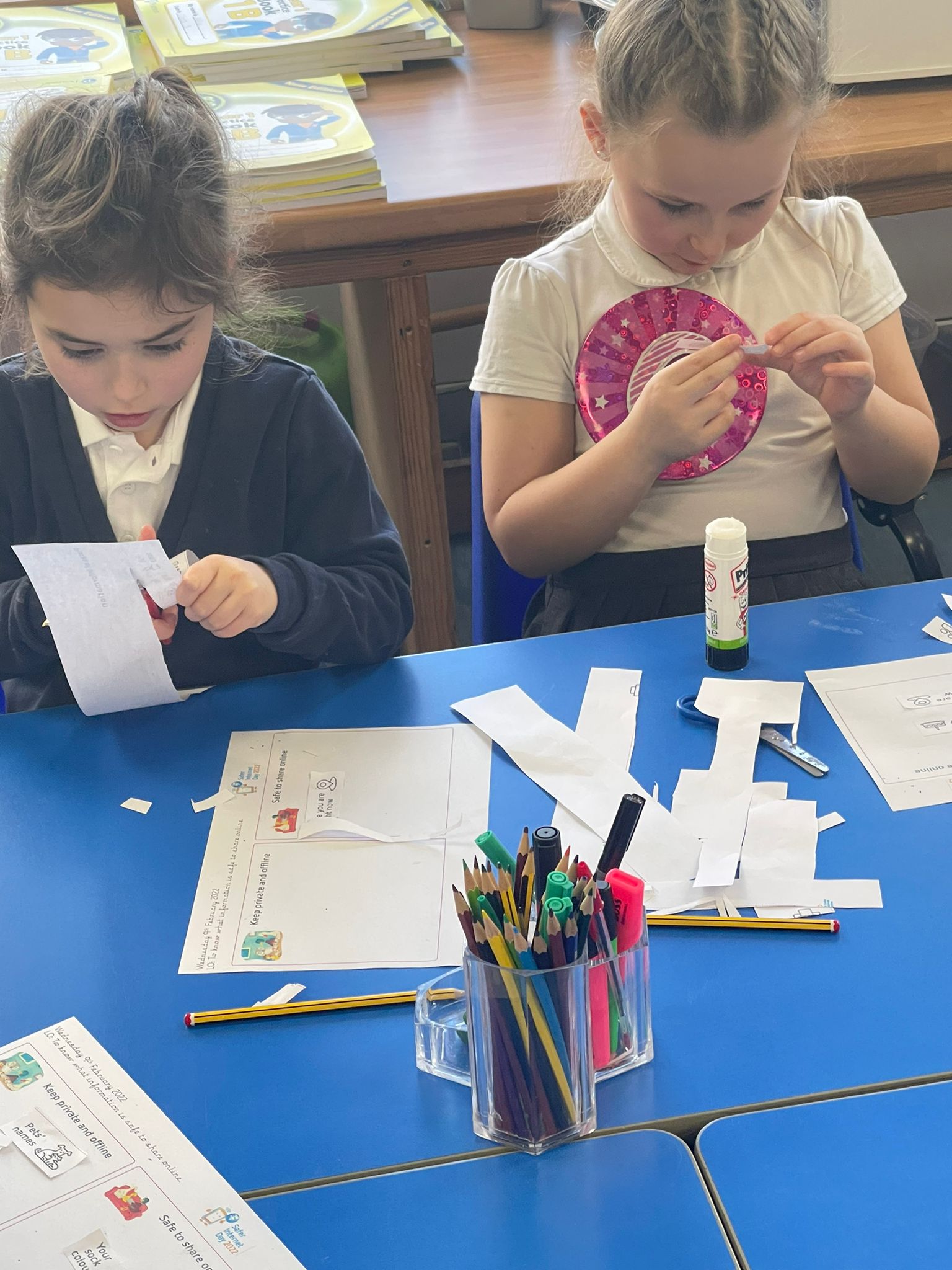
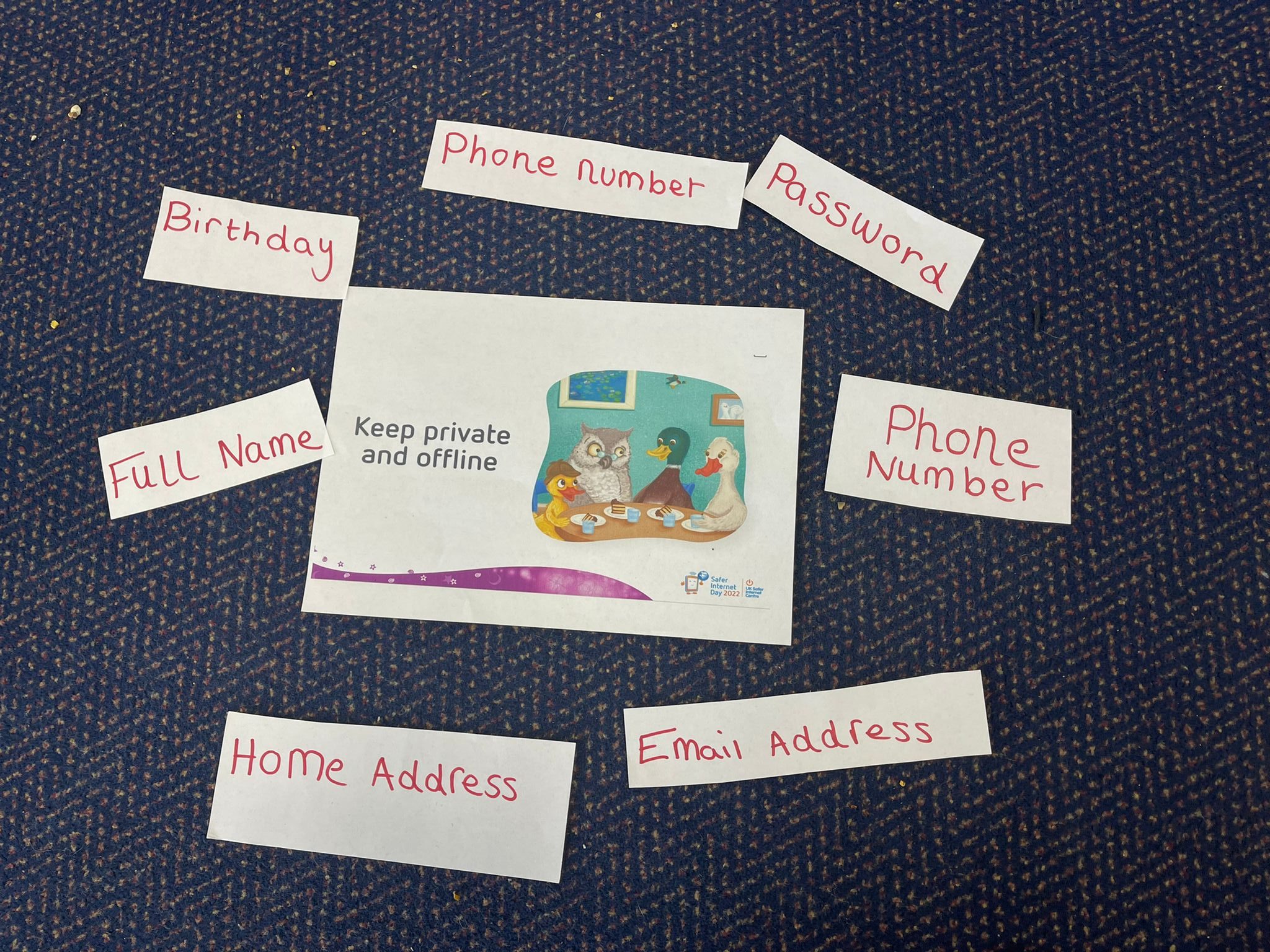
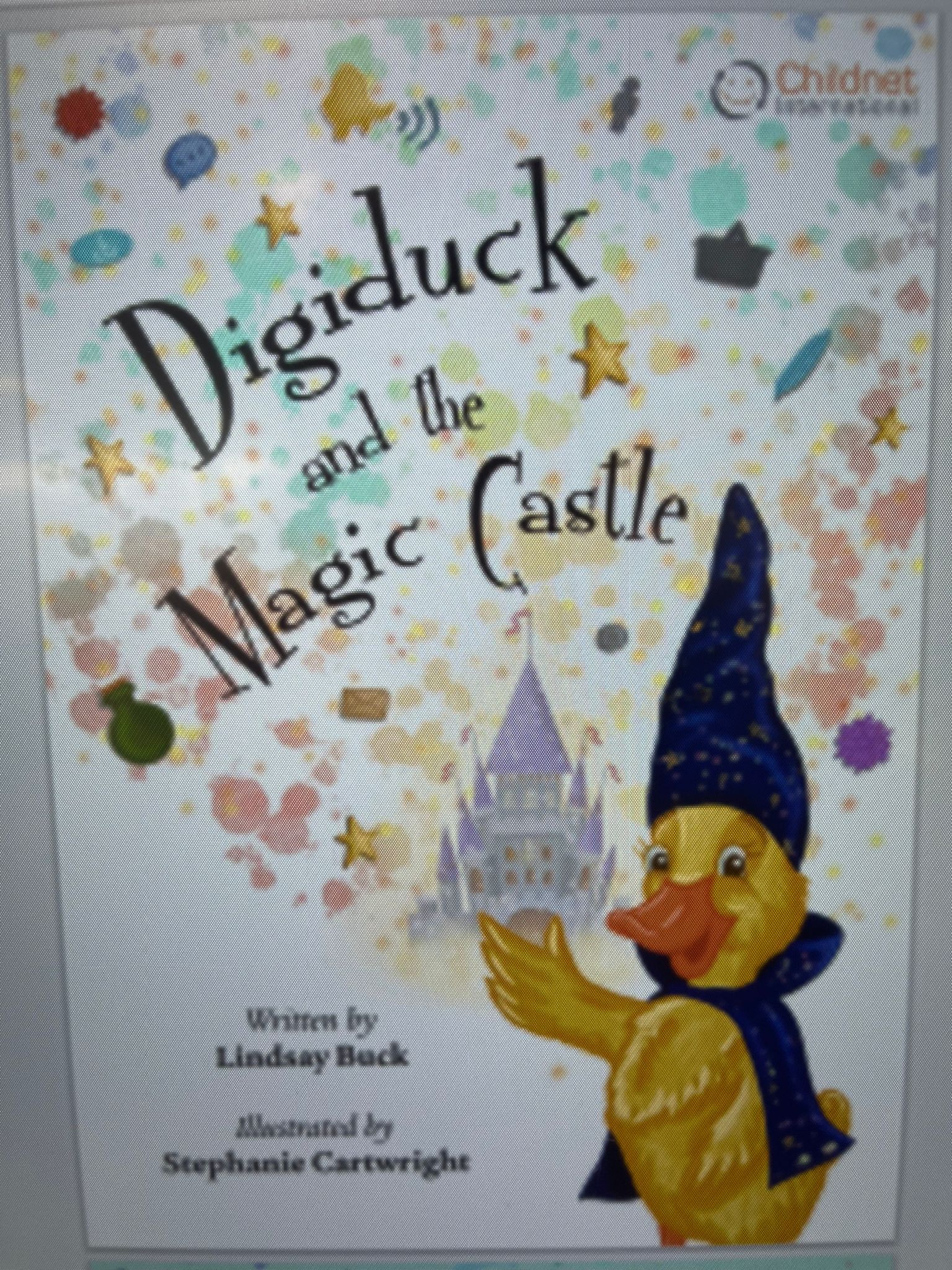
Year 1 listened to a story about Digiduck and how to behave kindly online and how to keep ourselves safe. They discussed and sorted out things we should and shouldn’t do online and pretended to be Digiduck and Wise_Owl to help others to know what to do or not do online.
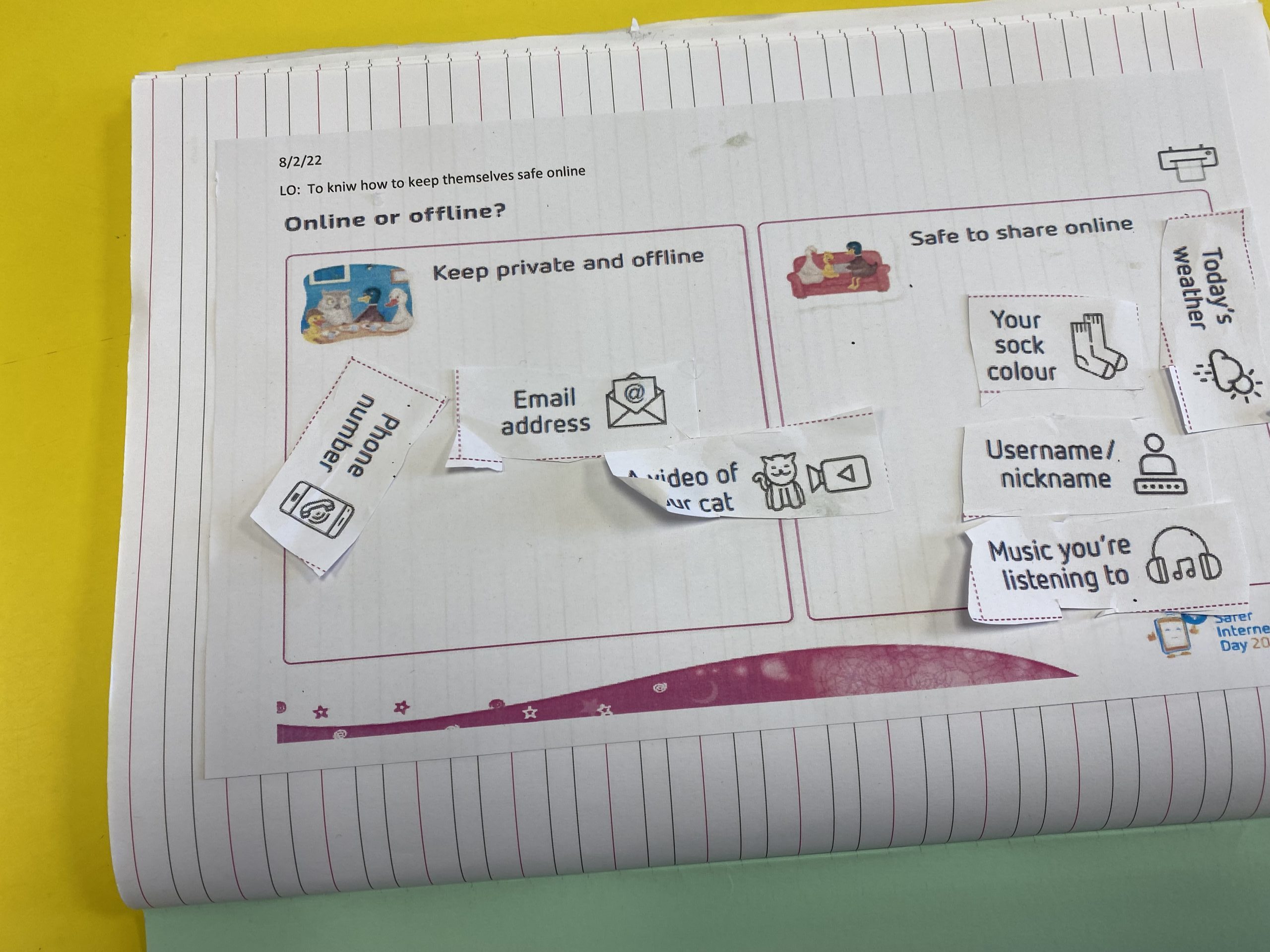
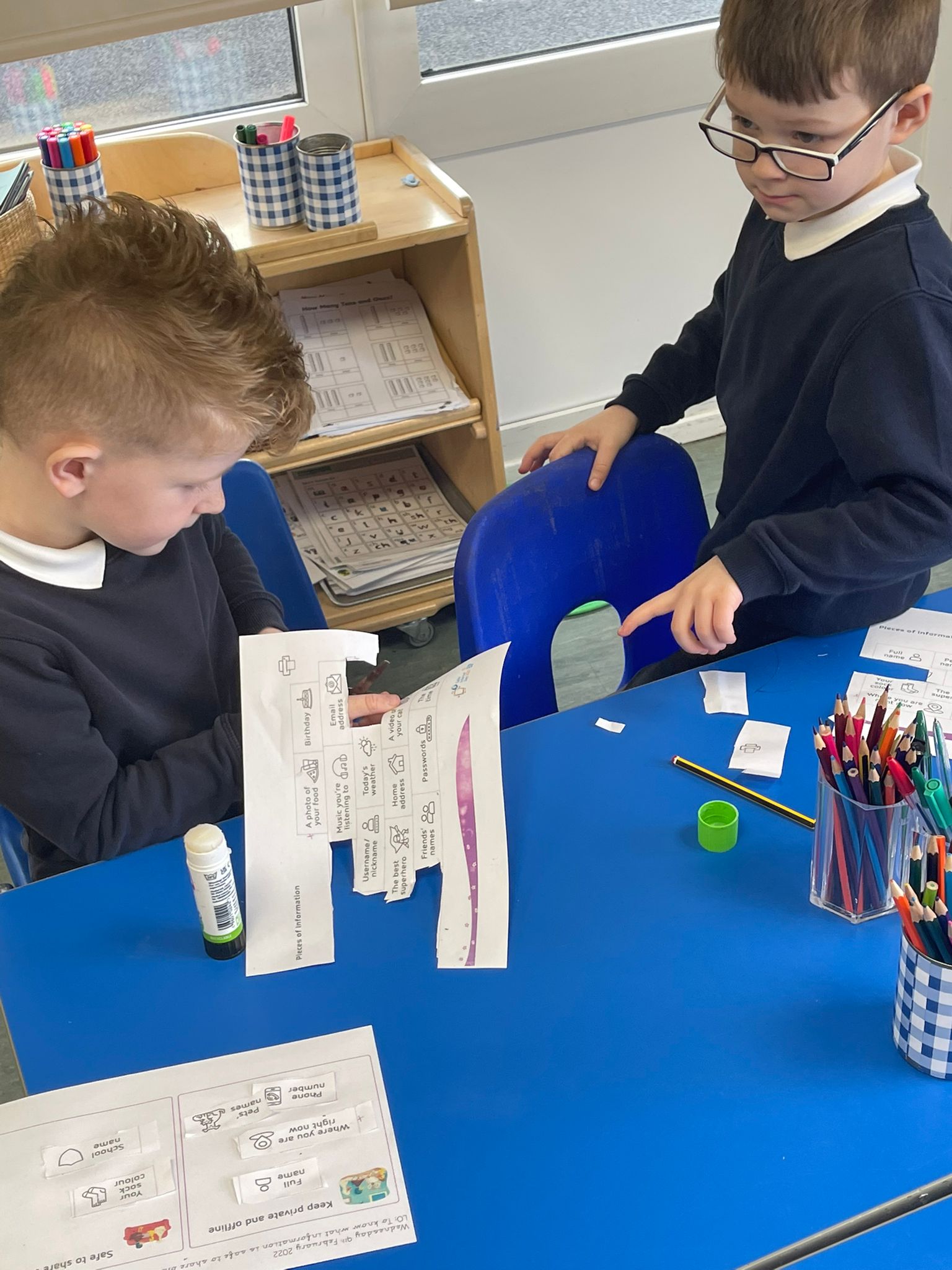
https://cdn.realsmart.co.uk/vanilla.realsmartcloud.com/uploads/2022/02/10174149/IMG-3531.mp4

https://cdn.realsmart.co.uk/vanilla.realsmartcloud.com/uploads/2022/02/10174205/IMG-3533.mp4


Year 1 children taking part in their SID activity Year 1 children taking part in their SID activity Year 1's SID activity Digiduck and the Magic Castle
 

Year 2

Watch the video below to see Year 2 play Internet Traffic Light game for internet safety day. If they think an app/website is green (right for them) they can step forward twice, if they’re unsure (yellow) and if they think it is not right for then (red) they stand still.

​Children explained why they chose each traffic light for each app/website and how they can be safe online.

 

Year 3

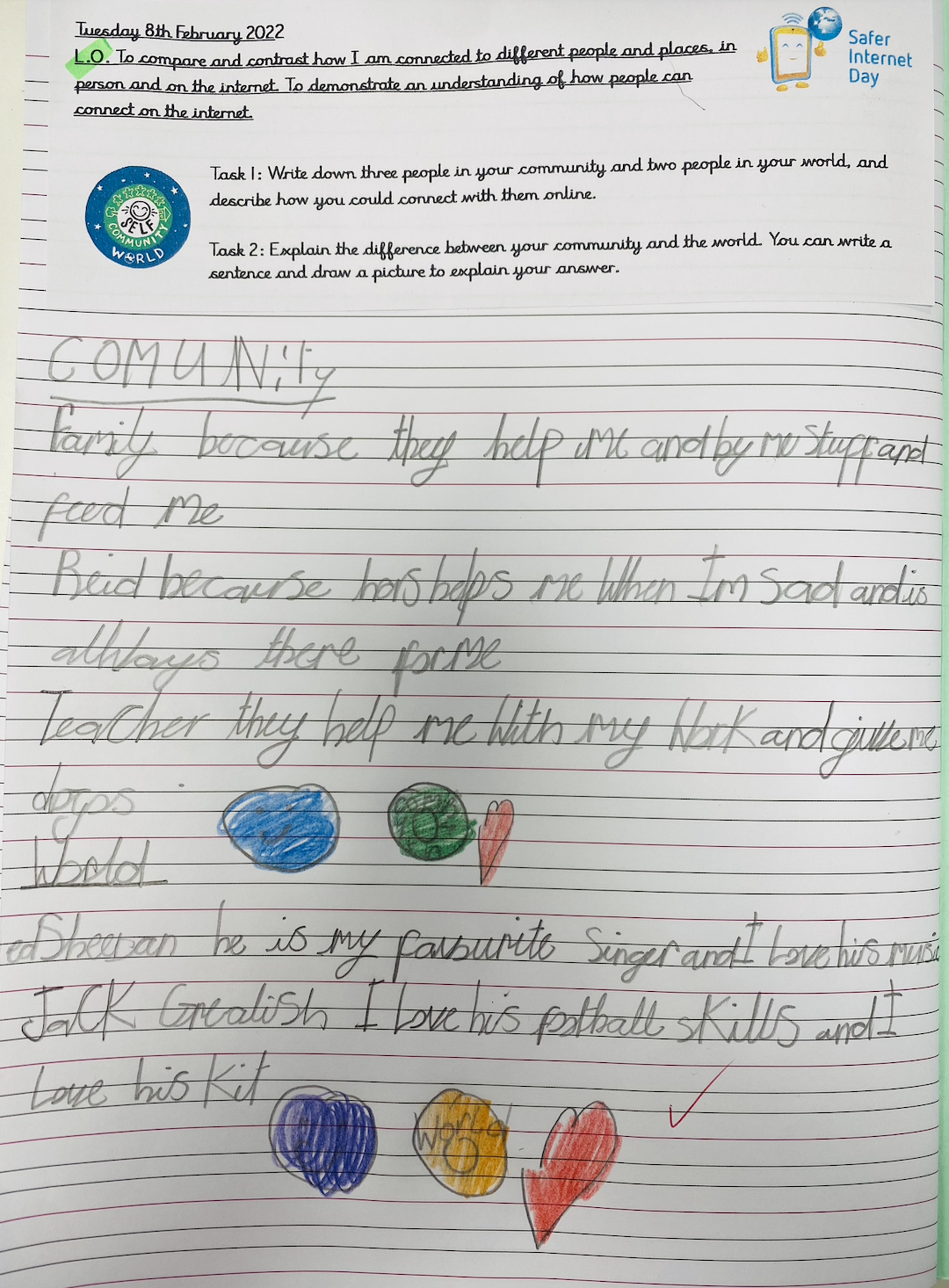
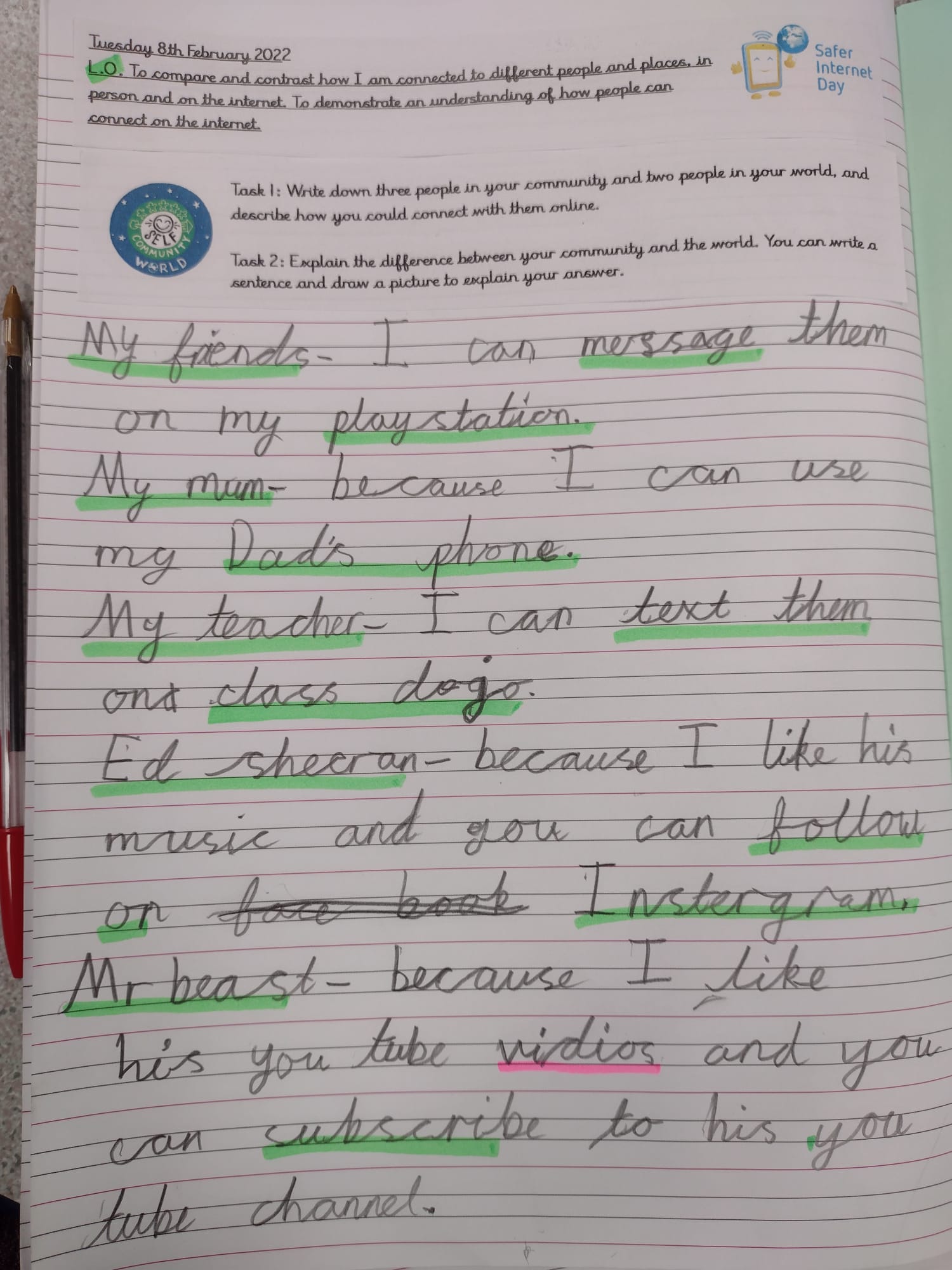
Children in Year 3 thought about their online community, and their online world. They learned that their community refers to the people they know in real life, such as friends and family, and their world refers to the people they don’t know in real life, such as celebrities, footballers and Youtubers.

They wrote down 3 people from their community, and 2 people from their world – thinking for each about how they connect with these people online. They then talked about how we communicate with others in many different ways.
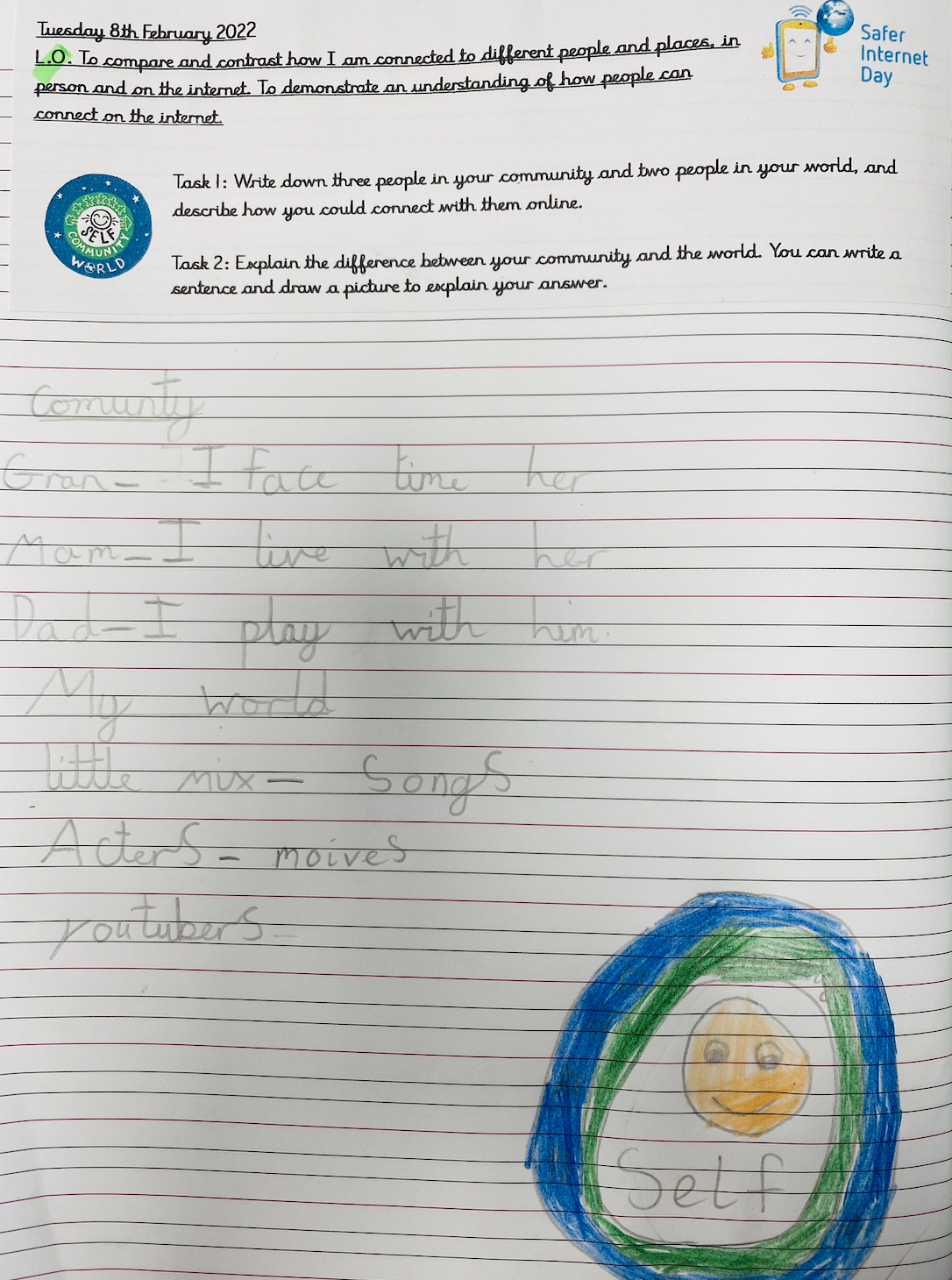
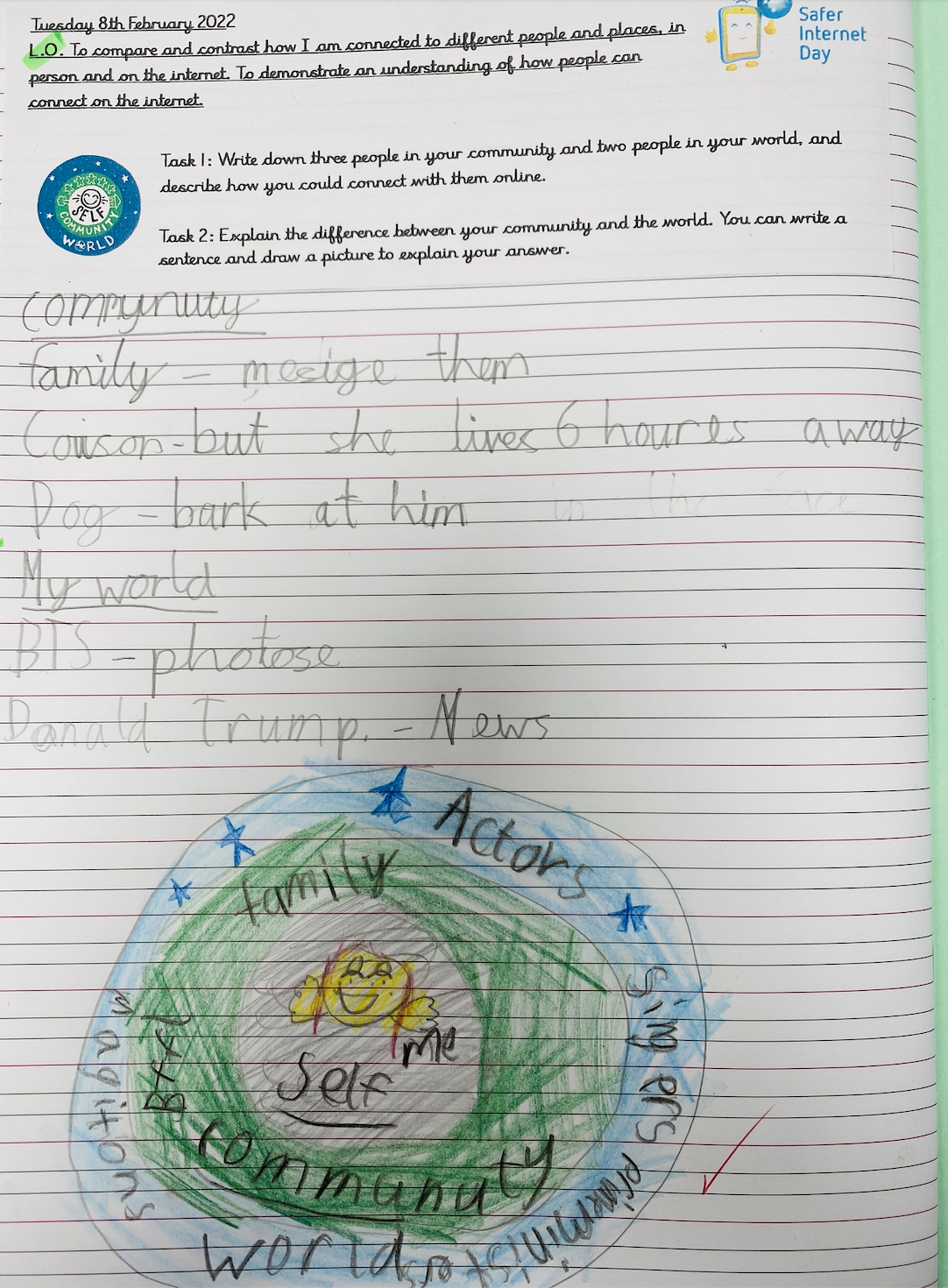
Year 3 children's work for SID Year 3 children's work for SID Year 3 children's work for SID Year 3 children's work for SID
 

Year 4

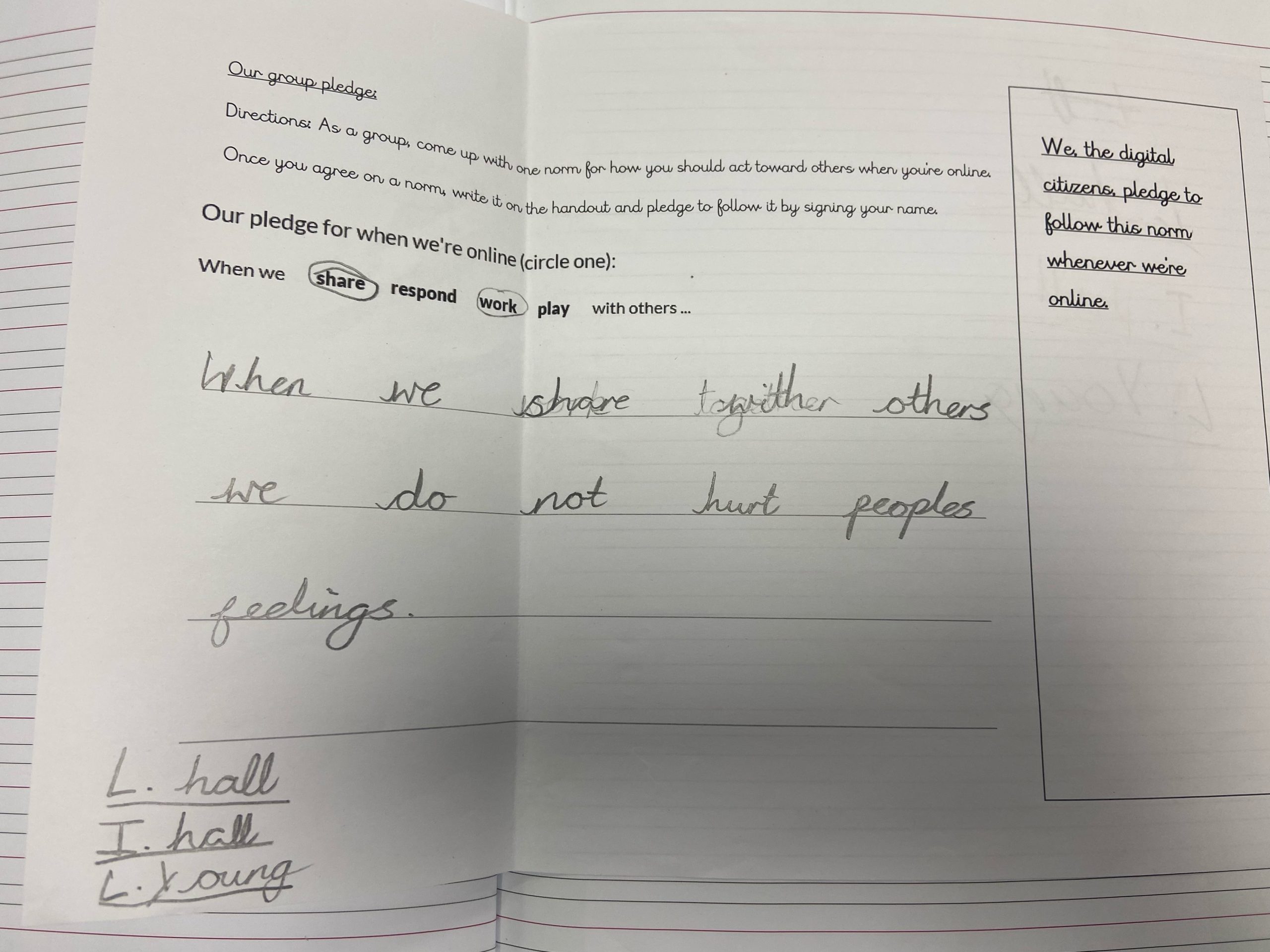
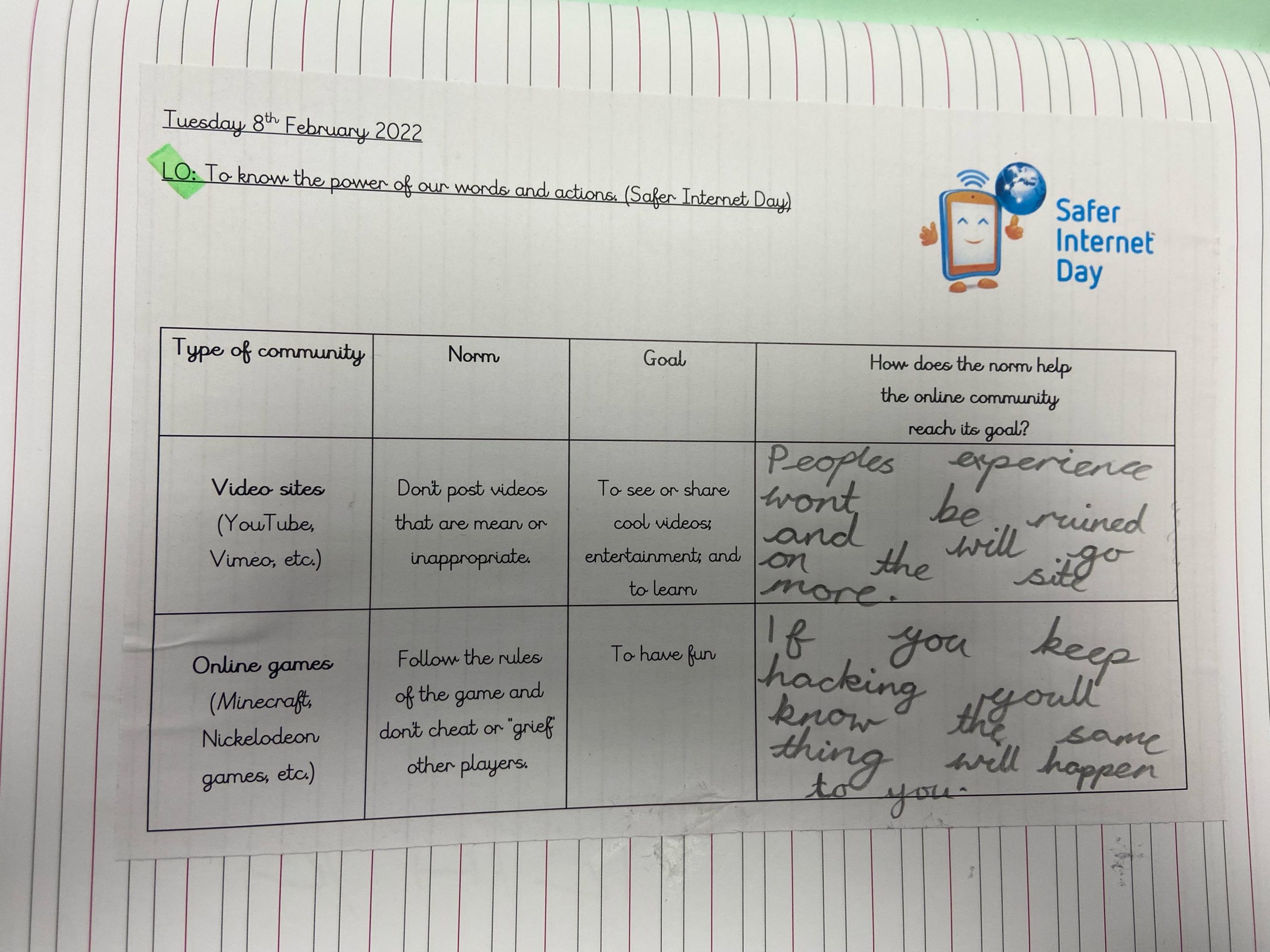
As part of Safer Internet Day Year 4 looked at how our actions and words can harm others.
We learned about norms and how our community has lots of norms to help us stay happy and healthy.

In small groups we created a norm that would help us stay safe on the internet. We then signed it to pledge that we would stick to it.

 

Year 6

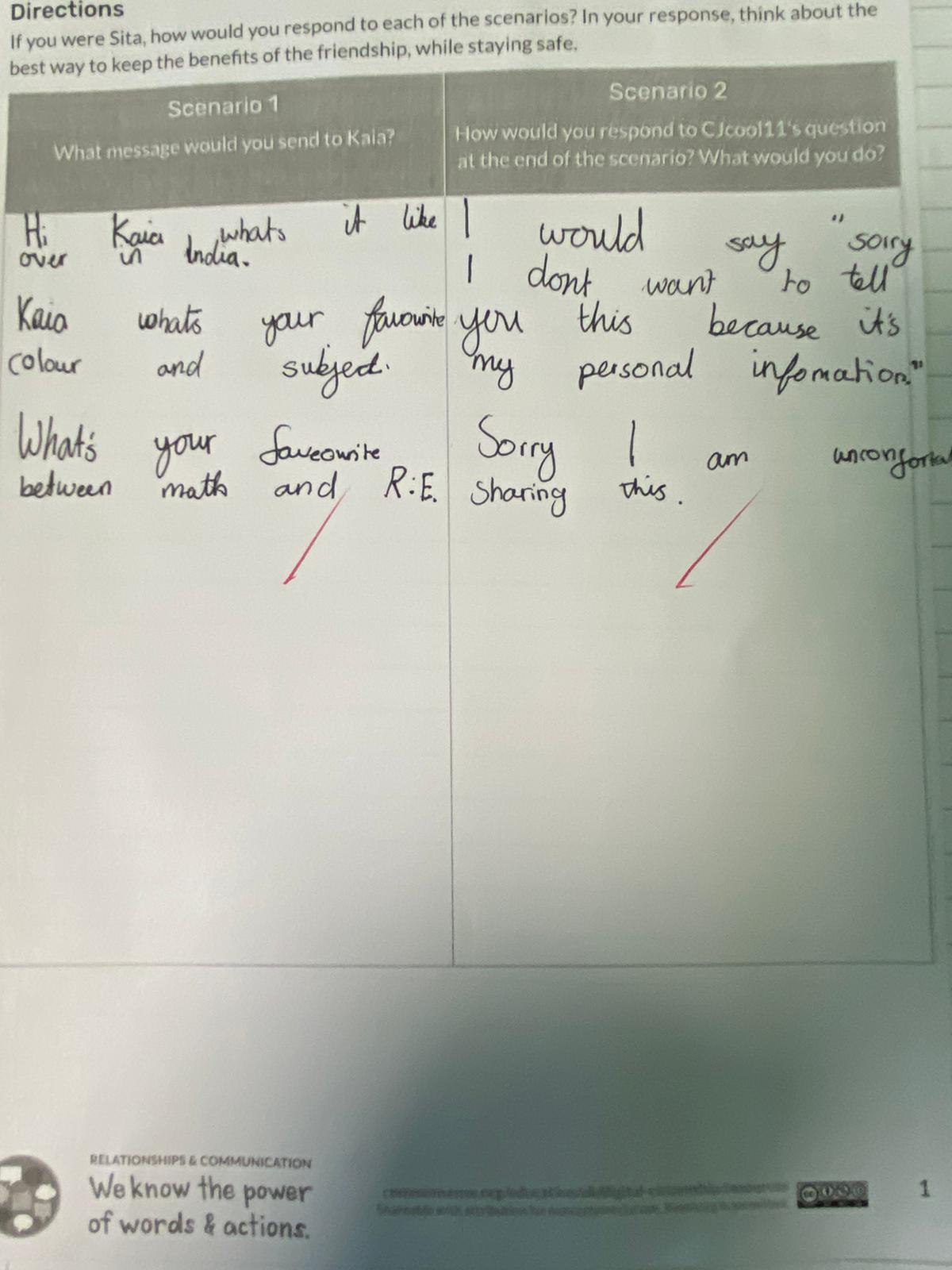
Year 6 read Sita’s story and discussed how they would respond, if they were her, to the different scenarios. They thought about the best ways to keep safe, while also benefit the friendship.
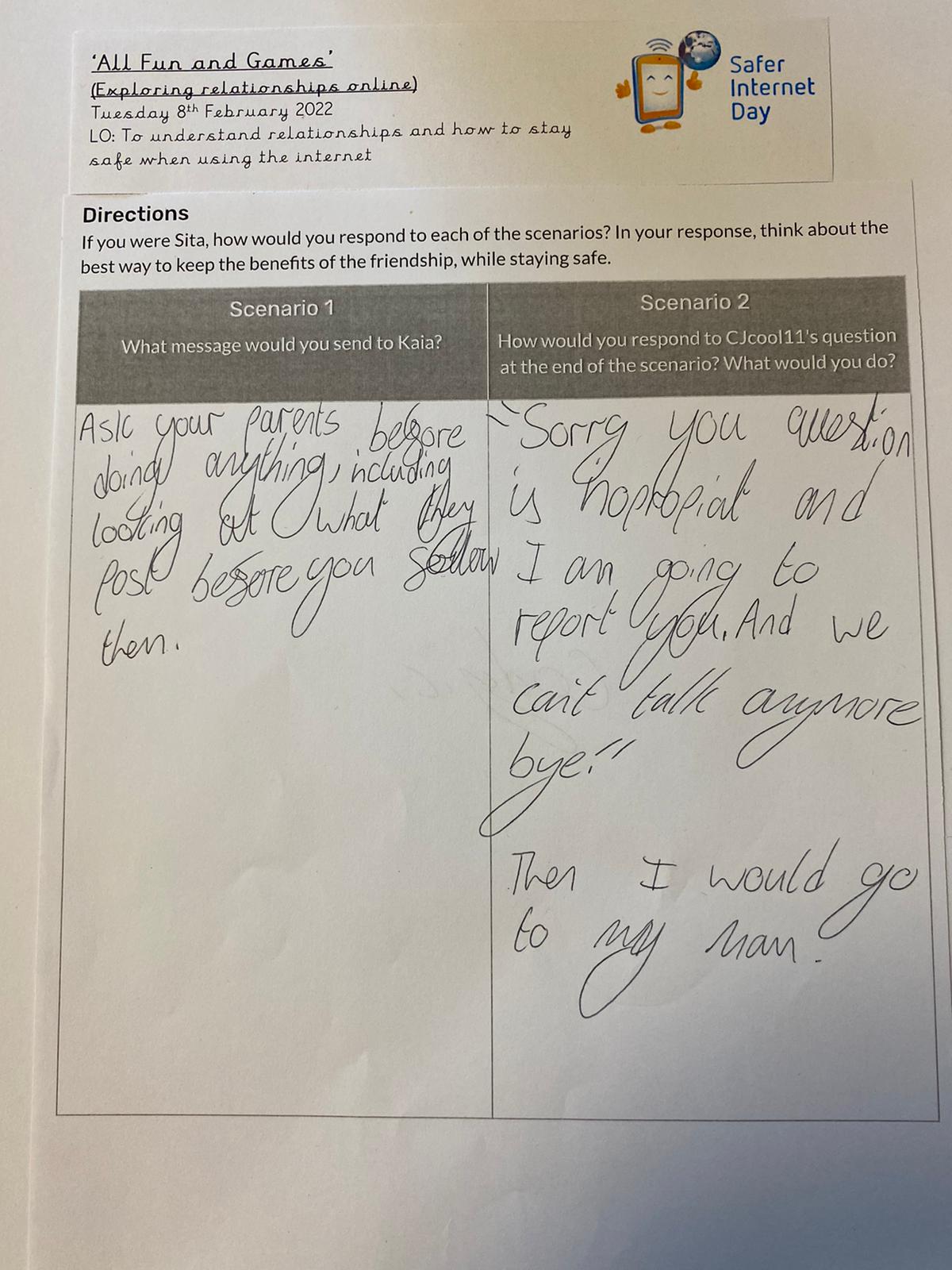
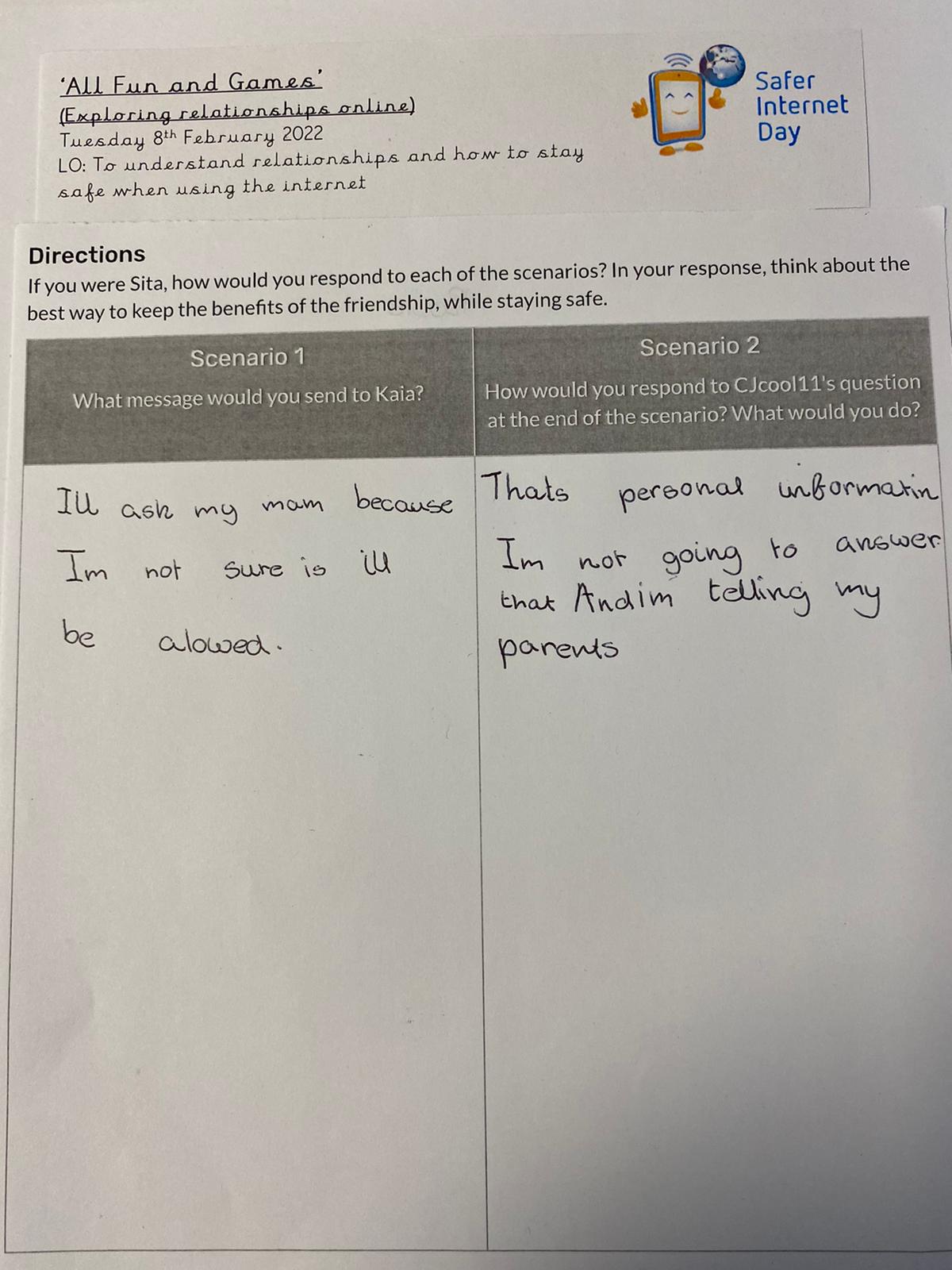
Year 6 's activity for safer internet day Year 6 's activity for safer internet day Year 6 's activity for safer internet day


2021-2022,All News,Y1 ICT,Y1 PSHE,Y2 ICT,Y2 PSHE,Y3 ICT,Y3 PSHE,Y4 ICT,Y4 PSHE,Y6 ICT,Y6 PSHE,Year 1,Year 2,Year 3,Year 4,Year 6 Article 19- You have the right to be protected from being hurt or badly treated. Article 28- You have the right to education. Article 29- You have the right to education that helps to develop your personality and abilities as much as possible and to respect the rights of others and respect the environment. Article 31- You have the right to play and relax by doing things such as sports music or drama.

Year 6 trip to The Word

7th October 2021Miss K. Wilkinson

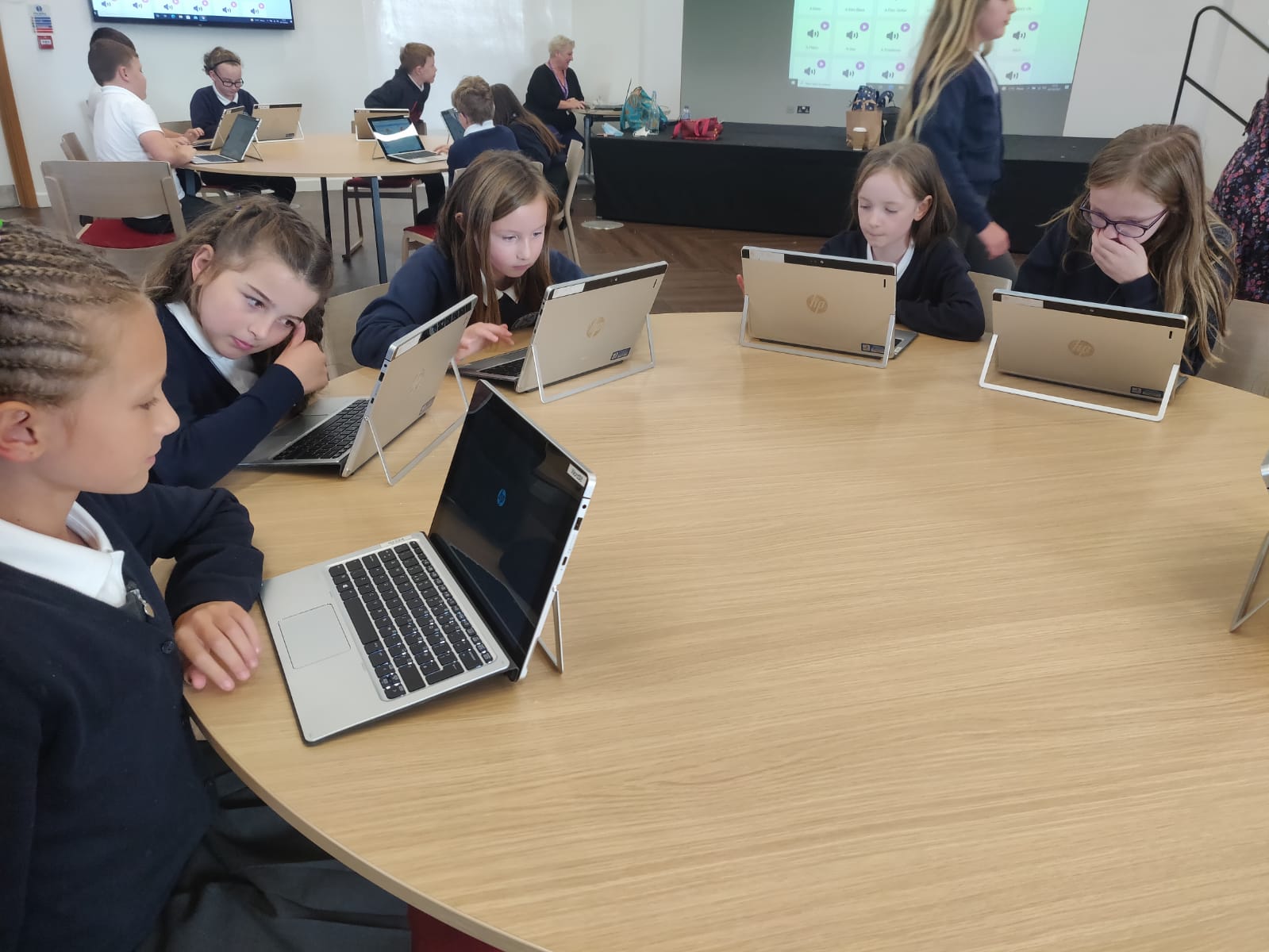
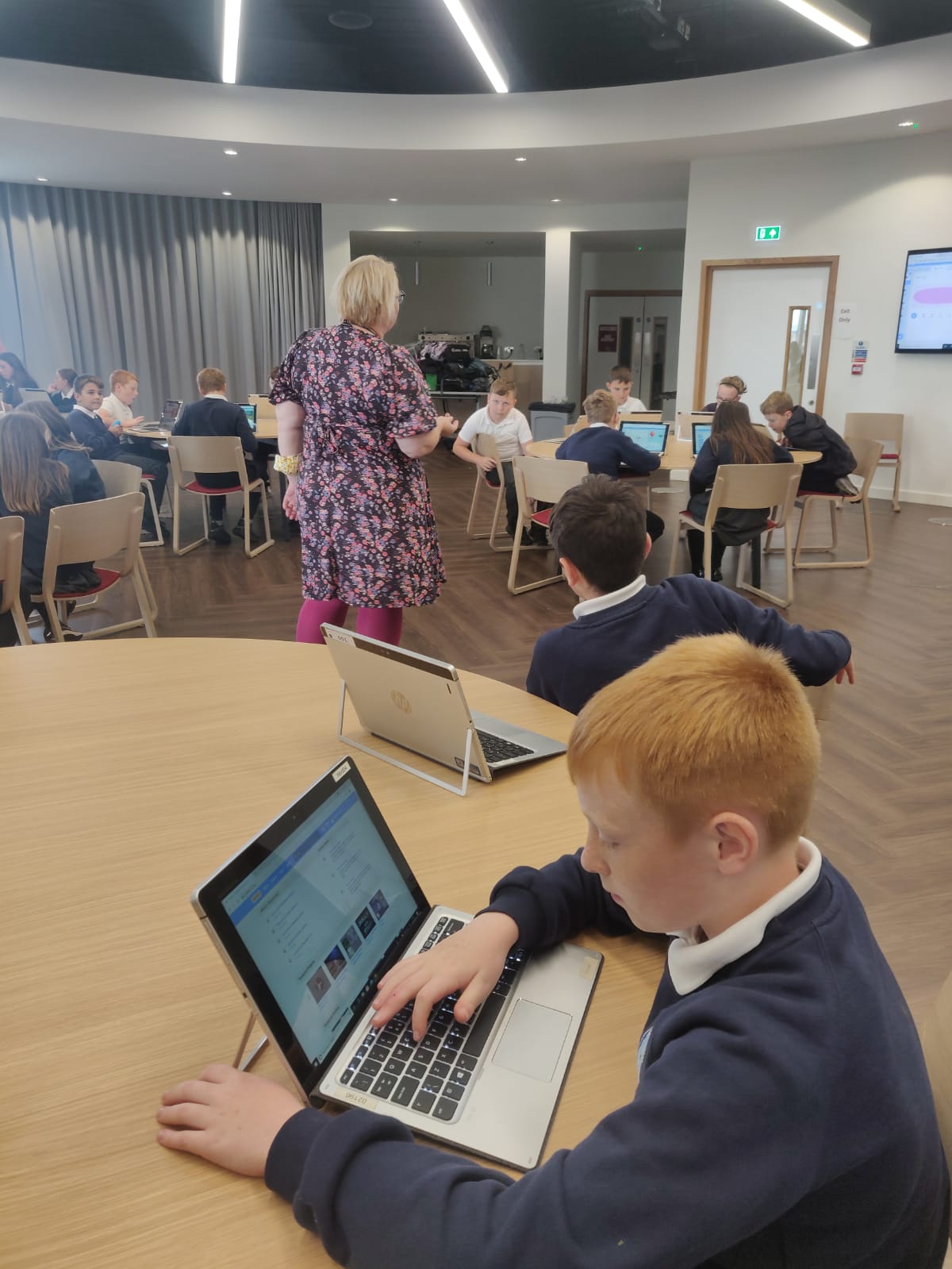
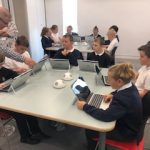
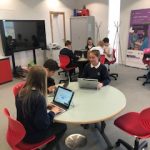
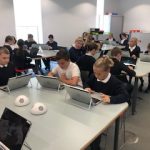
Year 6 enjoyed their first educational visit of the year this week. They travelled to The Word in South Shields where they met the OpenZone staff and worked on their chromebooks. They learned some computer science skills in Scratch and created their own coded creations!

Year 6 learning how to use Scratch at The WordYear 6 learning how to use Scratch at The Word Year 6 learning how to use Scratch at The Word Year 6 learning how to use Scratch at The Word Year 6 learning how to use Scratch at The Word  Year 6 learning how to use Scratch at The Word 

2021-2022,All News,Essential Learning Experiences (ELEs),Y6 ICT,Year 6

Stocks and Shares

11th December 2020Miss K. Wilkinson

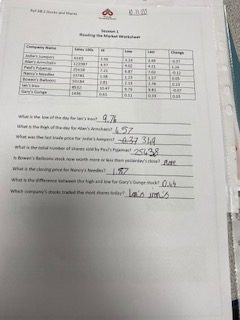
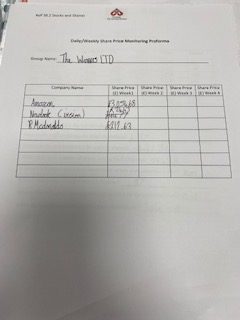
For computing this half term, Year 6 floated some shares on the stock market! We bought and sold our fictional shares and used real data from the stock exchange to hopefully make a profit! We also had a visit from Dave Burns who taught us methods to stay safe online.

2020-2021,All News,Y6 ICT,Year 6

Be Safe Project

15th November 2019R Smith

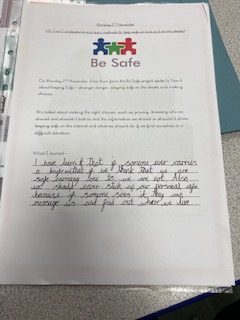
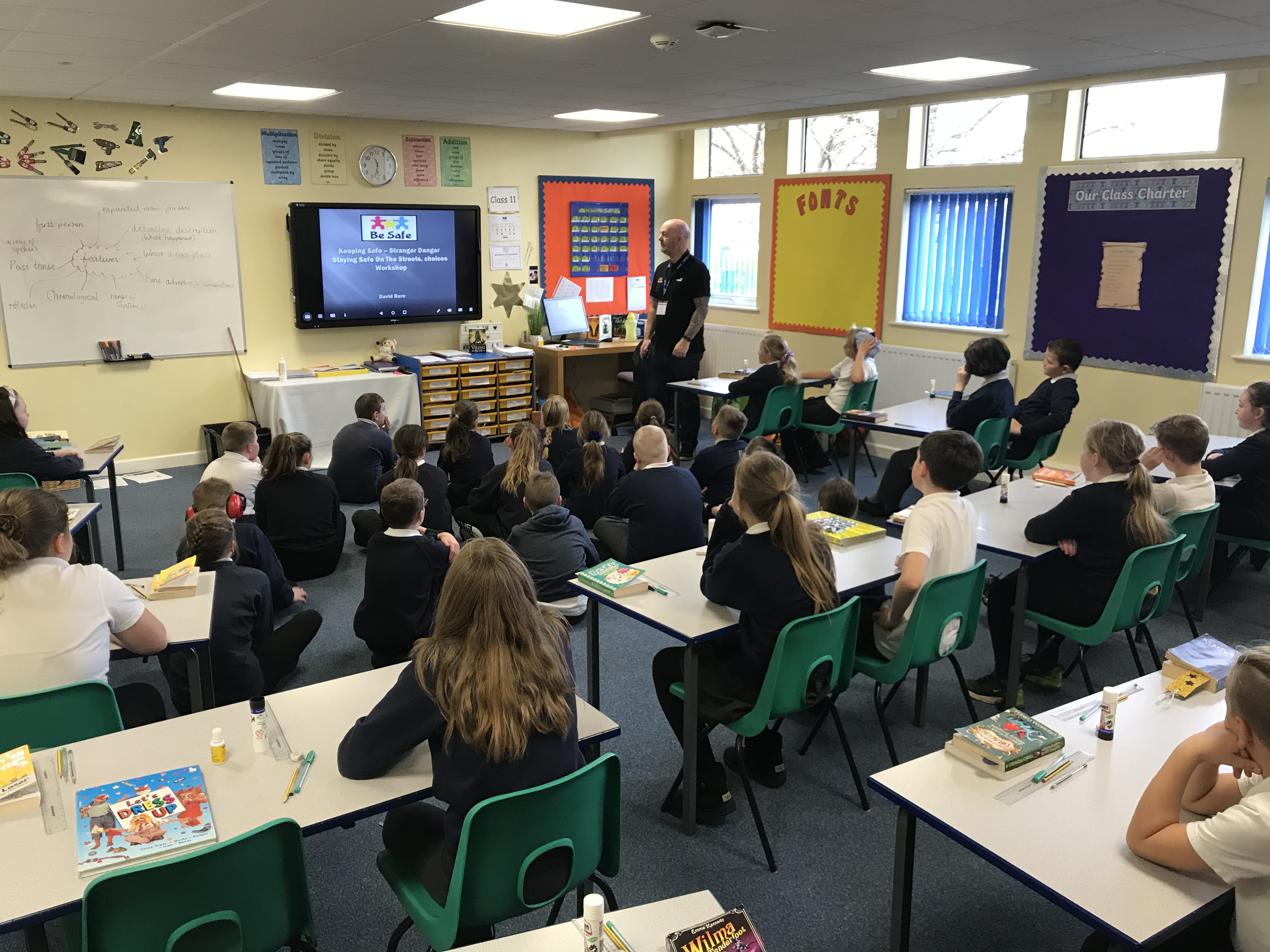
On Thursday 7th November Dave Burn from the Be Safe project spoke to year 6 about Keeping Safe – stranger danger, staying safe on the streets and making choices.

We talked about making the right choices, such as privacy, knowing who we should and shouldn’t talk to and the information we should or shouldn’t share, keeping safe on the internet and what we should do if we find ourselves in a difficult situation.

2019-2020,All News,Y6 ICT,Y6 PSHE,Year 6

The Word

30th September 2019R Smith

Year 6 enjoyed a fantastic trip to The Word today! We were taught how to use Google Drive efficiently and now know our logins and passwords, enabling us to access them in the classroom and beyond. The children worked in the cloud, so that in future they can create Google documents and slides. We were shown how to type using all our fingers and practiced this new skill on 2type. After that, we created a Slides document on the Water Cycle, which links into our Geography topic entitled ‘Will you ever see the water we drink again?’ We learned how to add videos, pictures and gifs and developed our designing skills. Finally, we enthusiastically tried to escape the spacecraft on the game 365 Escape, by unlocking all the clues using our Maths skills- well done to Lewis, Harvey and Liam, who managed it in the time given!

2019-2020,All News,Essential Learning Experiences (ELEs),Y6 ICT,Year 6

Learning together, memories to treasure.

Archives

Recent Posts

  • Unearthing the Past: Life as a Viking at Jarrow Hall
  • Healthy Minds – SATs Readiness!
  • Bread, Wine, and a Secret Garden
  • Bringing Easter to life- Palm Branches & Path of Praise!
  • Easter Tales: A Journey Through Holy Week
Hindmarch Drive, West Boldon
Tyne and Wear, NE36 0HX

0191 536 2846

[email protected]

Just as our school is accessible for all, we aim for our website to be. Our Website Accessibility Statement can be read by clicking here.
Gold School Games award logo
Rights Respecting School Bronze logo
Operation Encompass logo
School website powered by realsmart brand logo
Translate »
Skip to content
Open toolbar Accessibility Tools

Accessibility Tools

  • Increase TextIncrease Text
  • Decrease TextDecrease Text
  • GrayscaleGrayscale
  • High ContrastHigh Contrast
  • Negative ContrastNegative Contrast
  • Light BackgroundLight Background
  • Links UnderlineLinks Underline
  • Readable FontReadable Font
  • Reset Reset

By default cookies are switched off for this site. You can enable them by clicking the green button.

By not enabling cookies some features of the site may not be visible to you. For example, facebook feeds, Google maps and embedded YouTube videos.

Cookie policy